

How to Add Live Chat to WordPress Without a Third-Party Service
How to Add Live Chat to WordPress Without a Third-Party Service
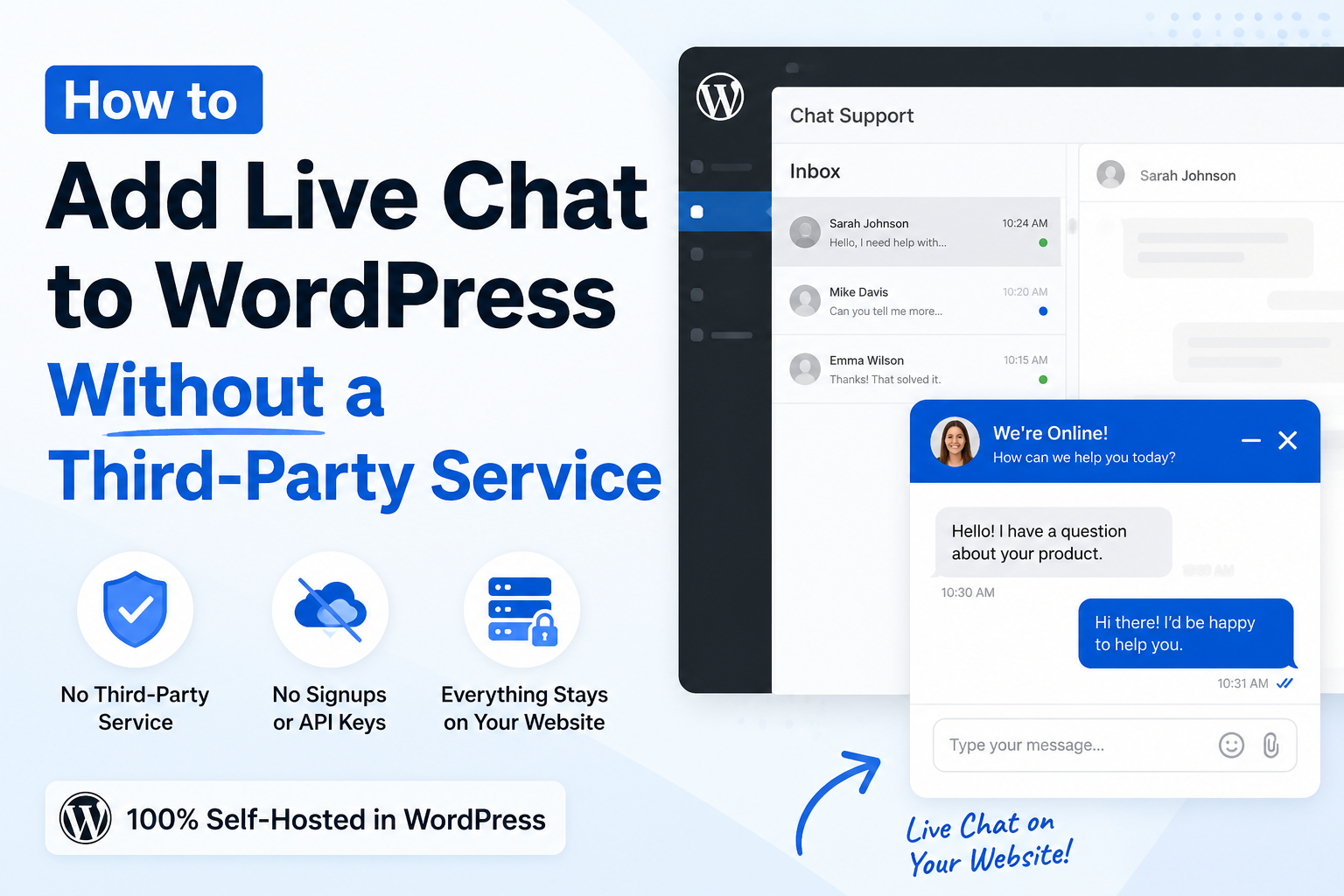
If you want to add live chat to WordPress without third party service, you are in the right place.
Many live chat plugins ask you to create an account. Some require API keys. Others send your visitor data to another company.
But what if you want everything to stay on your own website?
The good news is that you can do exactly that.
In this guide, you’ll learn how to add a live chat widget to WordPress without using any third-party service.
Why Avoid Third-Party Live Chat Services?
Many website owners want full control over their website.
A third-party live chat service can have problems like:
- You must create another account.
- You pay monthly fees.
- Visitor messages are stored on another company’s servers.
- You depend on another service staying online.
- Setup can be confusing.
If you run a small business, blog, or online store, keeping everything inside WordPress is often the easier choice.
What Does “Without a Third-Party Service” Mean?
It means your live chat works directly on your WordPress website.
There is:
- No signup
- No API keys
- No external chat service
- No monthly chat platform subscription
Visitors chat with you, and you reply from your own WordPress dashboard.
Simple.
The Easy Way to Add Live Chat to WordPress Without Third Party Service
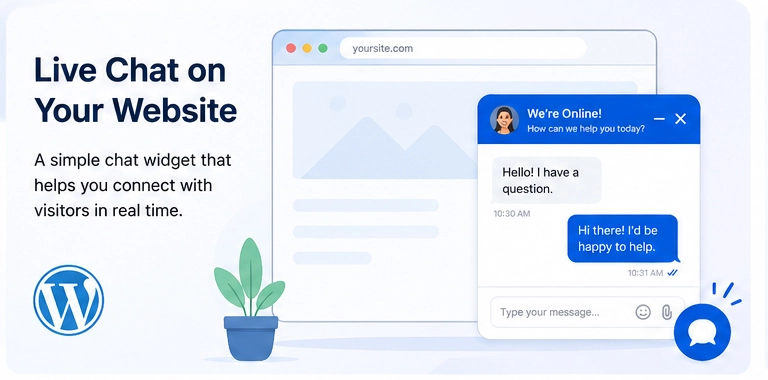
One of the easiest solutions is Easy Chat Support – Capripio.
It is built for WordPress and runs entirely on your own website.
You can download the free plugin here:
Free Plugin:
https://wordpress.org/plugins/capripio-easy-chat-support
Unlike many chat plugins, Easy Chat Support does not require:
- Creating an account
- Connecting to another website
- API keys
- External chat servers
Install it, activate it, and start chatting.
How to Install the Plugin
Installing the plugin only takes a few minutes.
Step 1: Install the Plugin
Go to:
Dashboard → Plugins → Add New
Search for:
Easy Chat Support – Capripio
Or download it here:
https://wordpress.org/plugins/capripio-easy-chat-support
Click:
- Install
- Activate
Step 2: Open Chat Settings
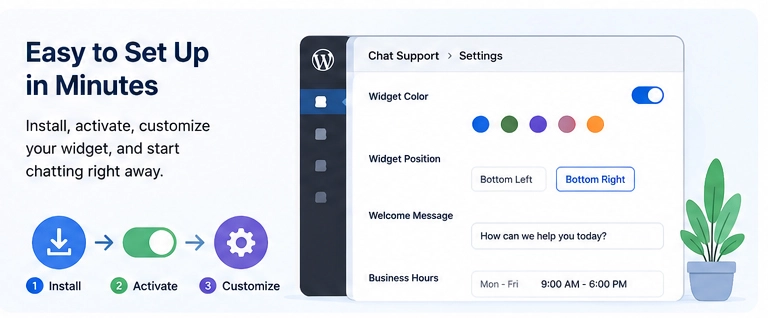
Go to:
Chat Support → Settings
Here you can change:
- Widget color
- Widget position
- Welcome message
- Offline message
- Business hours
You can customize everything in just a few clicks.
Step 3: Start Receiving Messages
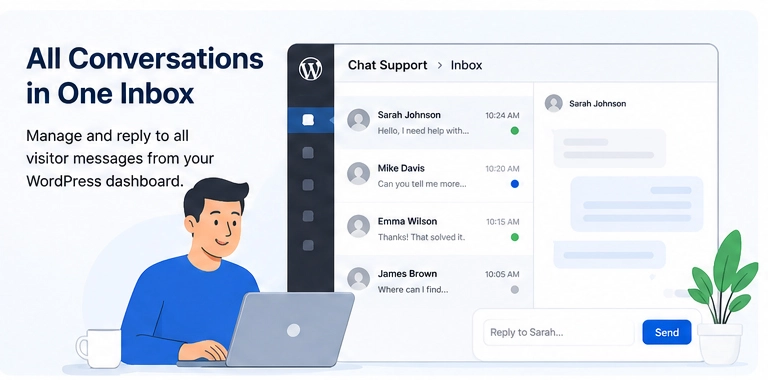
Once enabled, the chat widget appears on your website.
Visitors can send messages immediately.
You reply from:
Chat Support → Inbox
No extra website or software is needed.
Features Included for Free
The free version includes everything needed for a simple support chat.
You get:
- Live chat widget
- Unlimited visitors
- Unlimited conversations
- Unlimited messages
- One support agent
- Dashboard inbox
- Search conversations
- Email notifications
- Welcome message
- Offline message
- Business hours
- Widget color options
- Widget position settings
This is enough for many personal websites and small businesses.
Why This Plugin Is Fast
Website speed matters.
Easy Chat Support is lightweight.
It only loads a small script and stylesheet.
It also checks for new messages only while the chat window is open.
This helps reduce unnecessary work on your website and keeps pages loading quickly.
Who Should Use It?
This plugin is great for:
- Small businesses
- Bloggers
- Freelancers
- Agencies
- WooCommerce stores
- Service websites
- Local businesses
If you want visitors to contact you quickly, live chat is a great choice.
Need More Features?
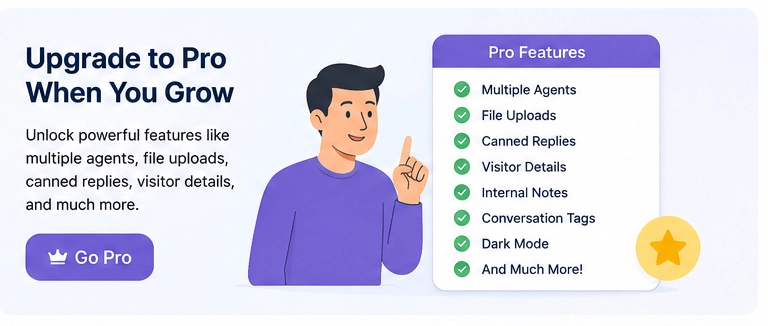
As your business grows, you may want more advanced tools.
The Easy Chat Support Pro version includes powerful features like:
- Multiple support agents
- Assign conversations
- File uploads
- Typing indicator
- Seen and delivered status
- Internal notes
- Conversation tags
- Canned replies
- Visitor details
- Company logo
- Dark mode
- Export conversations
- Desktop notifications
- Slack notifications
- Discord notifications
- Premium support
Learn more here:
https://capripio.com/capripio-easy-chat-support
The Pro version starts at $2.99 per site/month, and the Unlimited Sites plan is $19.99/month, making it a good option for agencies and developers managing multiple websites.
Why Choose Easy Chat Support?
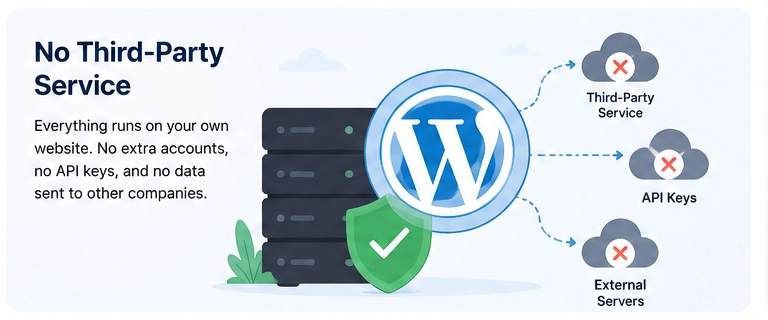
Here are some reasons people like it:
- No third-party service
- No signup required
- No API keys
- Lightweight
- Easy to install
- Mobile friendly
- Unlimited chats
- Runs inside WordPress
- Simple dashboard
- Beginner friendly
You stay in control of your visitor conversations.
Frequently Asked Questions
Is it really possible to add live chat to WordPress without third party service?
Yes.
Easy Chat Support works directly on your WordPress website. You do not need another chat platform.
Do I need an account?
No.
There is no signup process.
Does it work on mobile?
Yes.
Visitors can chat from desktop and mobile devices.
Can I customize the chat widget?
Yes.
You can change:
- Colors
- Position
- Welcome message
- Offline message
- Business hours
Can I upgrade later?
Yes.
You can start with the free version and upgrade whenever you need advanced features.
Final Thoughts
If you’re looking to add live chat to WordPress without third party service, choosing a self-hosted solution is one of the simplest options.
Easy Chat Support – Capripio lets you keep your visitor conversations on your own WordPress website without creating extra accounts or paying for an external chat platform.
Start with the free version if you only need basic live chat.
When your team grows, upgrade to Pro for multiple agents, file uploads, canned replies, visitor insights, and many more productivity features.
Get Started Today
- Free Plugin: https://wordpress.org/plugins/capripio-easy-chat-support
- Pro & Unlimited Plans: https://capripio.com/capripio-easy-chat-support