

Does Live Chat Increase Sales? Here’s How Live Chat Can Help
Does Live Chat Increase Sales? Here’s How Live Chat Can Help
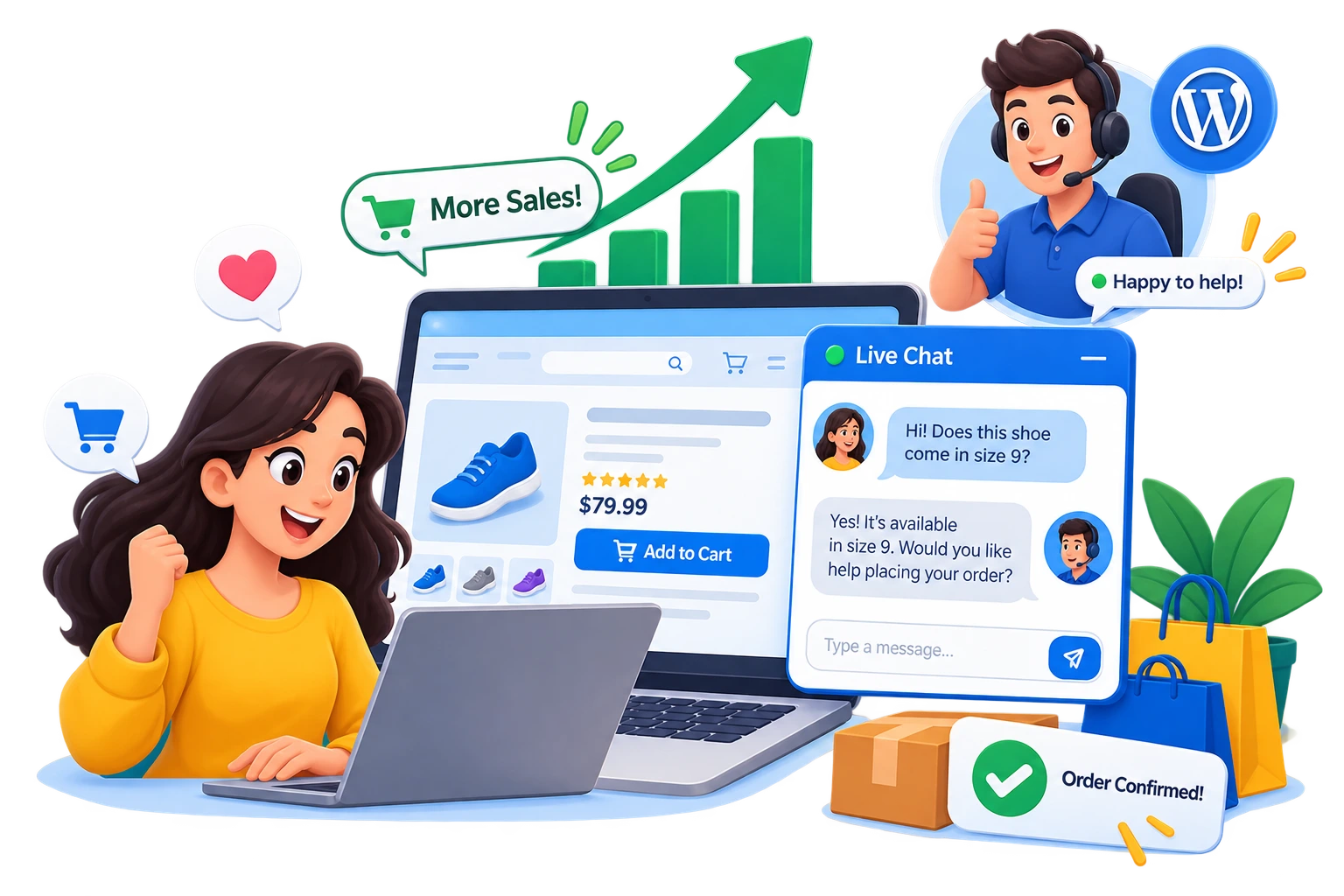
When someone visits your website, they may have questions before buying.
They might want to know about your product, shipping, pricing, refunds, features, or availability. If they cannot find an answer quickly, they may leave your website.
This is where live chat can help.
But does live chat increase sales?
The short answer is: it can.
Live chat gives visitors a simple way to ask questions while they are already on your website. Instead of leaving to search for answers or contact you through another channel, they can start a conversation directly from the page.
In this article, we’ll look at how live chat can support sales and how you can add live chat to a WordPress website.
How Does Live Chat Increase Sales?
Live chat can help sales by removing some of the problems that stop visitors from buying.
A visitor may already be interested in your product but still have one unanswered question.
For example:
“Does this product work with my device?”
Or:
“How long does shipping take?”
Or:
“Which plan should I choose?”
A live chat widget puts an easy way to ask these questions directly on your website.
When you provide helpful answers at the right time, you can make the buying process easier.
1. Answer Questions Before Customers Leave
One of the biggest benefits of live chat is that customers can ask questions without leaving your website.
Without chat, a visitor might need to:
- Find your contact page.
- Open an email application.
- Write a message.
- Wait for a response.
That takes time.
With live chat, the conversation can start immediately.
This can be especially useful for ecommerce websites where customers often have questions before completing an order.
2. Live Chat Can Help Increase Conversion Rates
A visitor who reaches your product or pricing page may already be interested in buying.
However, interest does not always mean a purchase.
There may be something stopping them.
Live chat gives them another way to get help before making a decision.
For example, imagine a visitor is looking at your premium product. They are ready to buy but are unsure whether it includes a particular feature.
Instead of leaving the website, they can ask through live chat.
A quick answer may remove that concern.
This is one reason businesses use live chat as part of their customer support and sales strategy.
Important: Live chat does not automatically guarantee more sales. Its impact depends on factors such as your products, pricing, website experience, response time, and the quality of your support.
3. Build Trust With Website Visitors
People are more comfortable buying when they can get answers to their questions.
A live chat widget can make your website feel more accessible.
Visitors know there is a way to contact someone if they need help.
This can be particularly useful for:
- Online stores
- SaaS websites
- Service businesses
- Agencies
- Freelancers
- Membership websites
- WordPress businesses
A simple conversation can help turn uncertainty into confidence.
4. Help Customers Choose the Right Product
Sometimes customers do not buy because they have too many choices.
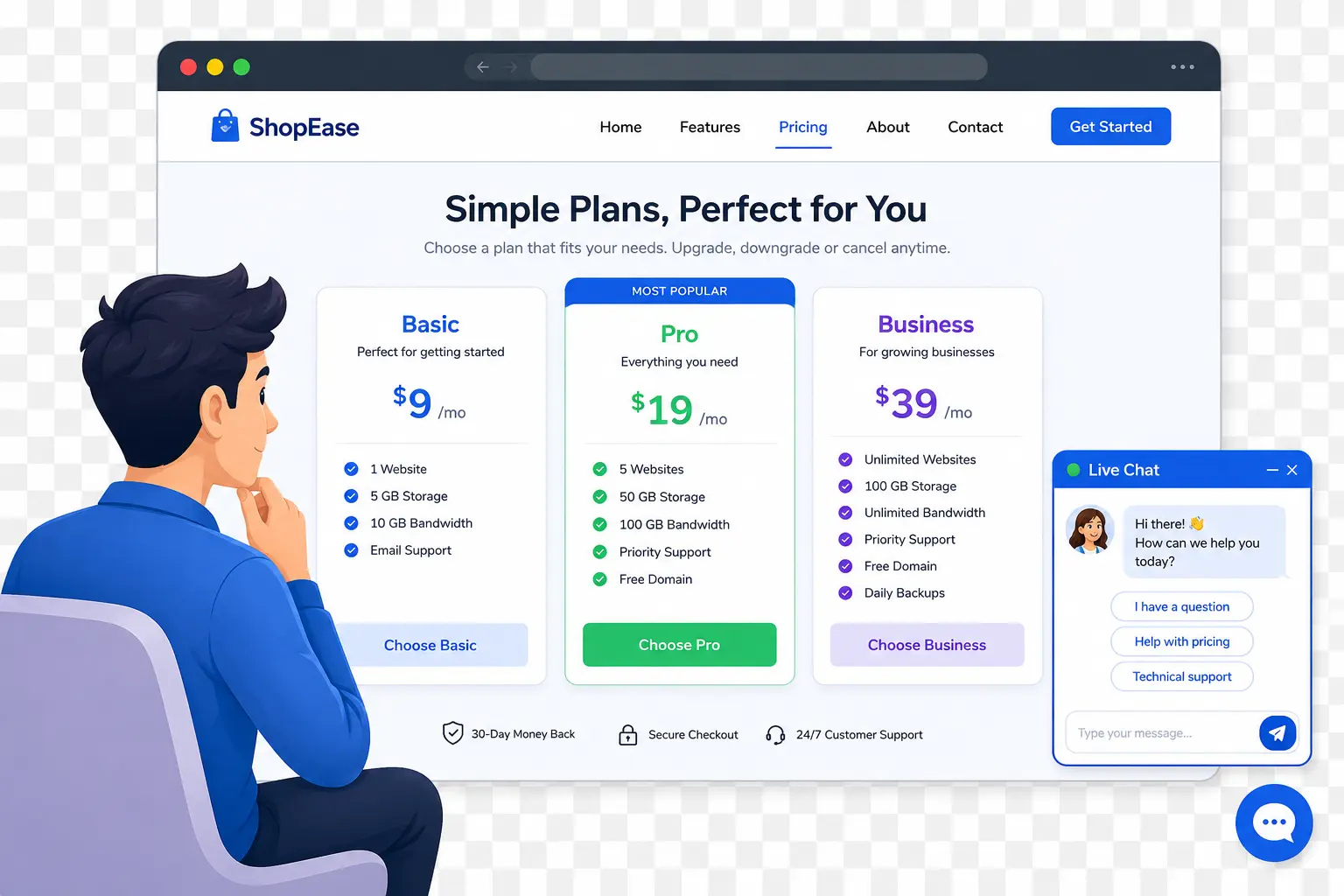
For example, you might sell three different plans:
- Basic
- Business
- Pro
A visitor may not understand which plan is right for them.
With live chat, you can ask about their needs and recommend the appropriate option.
This makes live chat useful not only for customer support, but also for sales assistance.
Example
A visitor asks:
“Which plan should I choose for a small online store?”
Instead of sending them to a long comparison page, you can ask a few questions and recommend the most suitable option.
That can make the buying decision easier.
5. Reduce Friction During the Buying Process
Website visitors can leave for many reasons.
Sometimes the problem is not the product.
The problem is friction.
They may have trouble understanding:
- Pricing
- Product features
- Shipping
- Returns
- Setup
- Compatibility
- Payment options
Live chat can provide another path to getting help.
Instead of forcing visitors to search through multiple pages, they can ask their question directly.
This is especially useful when the question is specific to their situation.
6. Live Chat Can Improve Customer Experience
Sales are not only about convincing someone to buy.
They are also about creating a good customer experience.
When visitors can easily get help, they may have a better experience with your business.
A useful live chat strategy can help you:
- Answer common questions
- Explain products
- Help visitors choose between options
- Solve problems
- Provide support before and after a purchase
Over time, these conversations can also show you what customers actually want to know.
7. Use Live Chat on High-Intent Pages
You do not necessarily need to treat every website visitor the same.
Some pages have much higher buying intent than others.
For example:
- Product pages
- Pricing pages
- Checkout pages
- Service pages
- Contact pages
These are good places to consider offering live chat.
A visitor who is already looking at pricing may be much closer to making a purchase than someone reading a general blog post.
How to Use Live Chat to Convert Website Visitors
Adding a chat widget is only the first step.
You also need to make it useful.
Here are some simple strategies.
Use a Helpful Welcome Message
A visitor should understand what they can do when they open your chat.
Instead of a generic message like:
“Hello!”
Try something more useful:
“Hi! Have a question about our products or pricing? We’re happy to help.”
A clear welcome message can encourage visitors to start a conversation.
Make Your Chat Easy to Find
Your chat widget should be visible without becoming annoying.
A floating chat button is a common approach because visitors can access it when they need help.
With Easy Chat Support – Capripio, you can customize the widget color and position and add a welcome message, offline message, and business hours.
That gives you control over how the chat appears on your WordPress website.
Respond Quickly
Live chat works best when someone is available to answer.
If visitors ask questions and wait too long, they may leave before getting an answer.
You can also configure business hours and an offline message so visitors know when support is available.
For teams, Easy Chat Support Pro adds multiple support agents and conversation assignment, making it easier to manage conversations as your support volume grows.
What Makes a Good Sales Chat?
A good sales conversation should not feel pushy.
The goal is to help the visitor make a better decision.
Instead of immediately saying:
“Buy our product!”
Ask questions.
For example:
Visitor: “I’m looking for a live chat plugin for my WordPress website.”
Agent: “Sure! How many people will manage your customer conversations?”
Visitor: “Just one person.”
Agent: “Our free version supports one admin agent and includes unlimited visitors, conversations, and messages.”
This approach focuses on solving the customer’s problem.
Live Chat Can Also Help You Learn From Customers
Your conversations contain useful information.
Customers may repeatedly ask:
- “Where can I find pricing?”
- “Does this work with my theme?”
- “Can I upload files?”
- “Do you support multiple agents?”
- “Can I export conversations?”
These questions can reveal gaps in your website content.
You can use them to improve:
- Product pages
- FAQs
- Documentation
- Blog posts
- Pricing pages
- Support articles
So live chat can potentially help sales both directly and indirectly.
Easy Chat Support for WordPress
If you run a WordPress website, you do not need a complicated external service to add live chat.
Easy Chat Support – Capripio provides a lightweight live chat widget that runs on your own WordPress website.
It does not require a third-party chat service, signup, API keys, or a monthly subscription for the free version.
The free plugin includes:
- Live chat widget
- Unlimited visitors
- Unlimited conversations
- Unlimited messages
- Dashboard inbox
- Email notifications
- Welcome message
- Offline message
- Business hours
- Widget color customization
- Widget position customization
CTA
Ready to add live chat to your WordPress website?
Try Easy Chat Support – Capripio for free and give your visitors an easy way to ask questions while they browse your website.
Get Easy Chat Support Free on WordPress.org
Need More Features for Your Support Team?
If you have multiple support agents or a growing number of conversations, the Pro version adds features designed for team-based support.
With Easy Chat Support Pro, you get features such as:
- Multiple support agents
- Conversation assignment
- Canned replies
- Internal notes
- Conversation tags
- File uploads
- Typing indicators
- Seen and delivered status
- Visitor details
- Desktop and sound notifications
- Company logo
- Dark mode
- Conversation exports
- Slack notifications
- Discord notifications
- Premium support
The Pro plan is listed at $2.99 per site/month, with an unlimited-sites option also available.
Does Live Chat Increase Sales? Final Answer
So, does live chat increase sales?
It can.
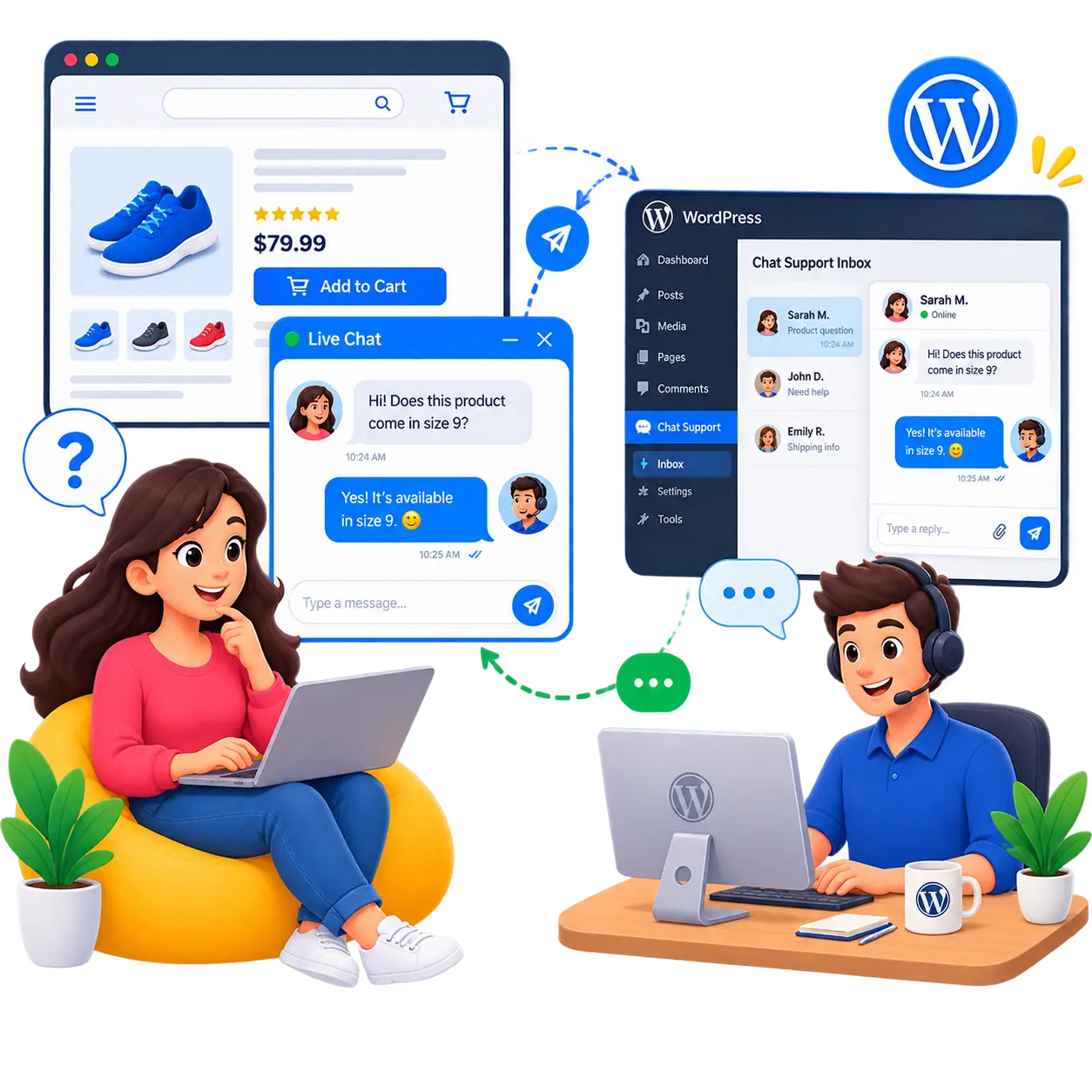
Live chat gives visitors a simple way to get answers when they are considering a purchase. By answering questions, reducing uncertainty, helping customers choose products, and improving the overall buying experience, live chat can support your sales process.
But remember: live chat is a tool, not a magic sales button.
The best results come when you combine live chat with:
- Fast responses
- Helpful answers
- Clear product information
- Good pricing
- A simple checkout process
- A strong customer experience
If you use WordPress, adding live chat is a simple way to give visitors another way to connect with your business.
Start with the free version of Easy Chat Support and make it easier for your visitors to get help when they need it.
Download Easy Chat Support for WordPress