

Does Live Chat Increase Conversions? Here’s What You Need to Know
Does Live Chat Increase Conversions? Here’s What You Need to Know
Live chat · Conversion guide
Visitor · on your pricing page
Quick question before I buy — is this included in the plan?
You · replied in 40s
Yes, it’s included. Want me to walk you through it?
That exchange is the whole argument. In many cases live chat does lift conversions, because it gives visitors a direct way to get answers while they are still browsing — without leaving the page to find them.
In this article
What is a conversion? / How it works / Does it increase sales? / Where to use it / How to run it well / Add it to WordPress
If you run a business website, you probably want more visitors to become customers. One simple way to help visitors decide is to give them an easy way to ask questions.
When a customer has a question about a product, service, price, or purchase, they shouldn’t have to go hunting for the answer. They can start a conversation and get help.
What is a website conversion?
A conversion is an action you want a visitor to take on your website.
For an online store, that could be a completed purchase. For a service business, it could be a quote request, an appointment booking, or a contact form submission.
Other examples include:
- Signing up for a free trial
- Creating an account
- Requesting more information
- Downloading a resource
- Subscribing to a newsletter
The goal is not always an immediate sale. The goal is to help visitors take the next useful step.
How does live chat increase conversions?
Live chat removes some of the reasons visitors hesitate before acting.
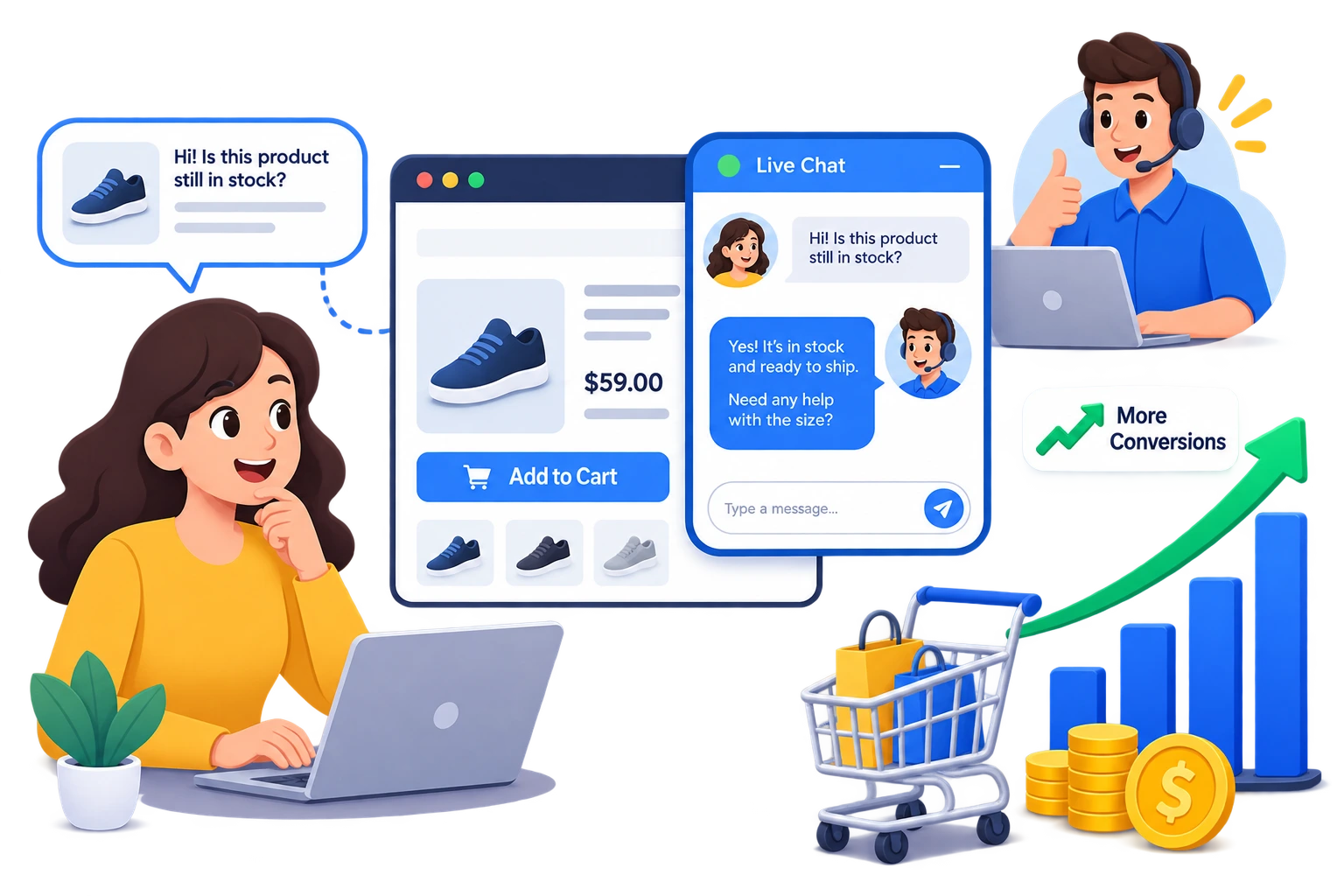
Imagine someone is looking at your pricing page. They understand your service, but they have one question about what a particular plan includes. Without live chat, they may search your site, send an email, or simply leave. With live chat, they ask immediately — and a quick, helpful answer gives them enough confidence to continue.
It answers questions quickly
Visitors often have questions before they buy. They may want to know:
- Which product is right for them
- Whether a feature is included
- How much something costs
- How shipping works
- Whether a product is compatible
- What happens after signing up
If the answer is hard to find, the visitor leaves. Live chat puts support directly on the page where the question comes up.
It reduces buying friction
Even a small unanswered question can stop a purchase. A customer might be ready to buy but wonder whether they can get help if something goes wrong. Instead of digging through a support page, they ask in chat. That makes the buying process easier.
It builds customer confidence
People act when they feel confident about a decision. A real conversation makes your business feel accessible and trustworthy. When visitors know they can reach someone easily, they’re more comfortable moving forward with a purchase or signup.
Does live chat increase sales?
Live chat supports sales by helping customers at the moments that matter in their buying journey. A visitor comparing two products can ask which one fits their needs, and an agent can point them to the better option. That’s especially useful for products and services that need some explanation before purchase.
Live chat is not a magic button. Installing a widget does not guarantee more conversions — the experience is what converts.
Your team needs to give useful answers, and give them in a reasonable amount of time.
Where should you use live chat?
You don’t need to treat every page the same way. Live chat earns its place on pages where visitors are making decisions.
Stage — browsing
Product pages
Customers ask about features, compatibility, sizes, and availability. A quick answer helps them decide whether the product is right for them.
Stage — comparing
Pricing pages
This is where visitors weigh options. They may understand the prices and still not know which plan fits. Chat gives them a direct way to ask.
Stage — evaluating
Service pages
Service businesses have to explain what’s included. Chat lets potential customers ask before they contact sales or request a quote.
Stage — buying
Checkout pages
These visitors are close to done. If they hit a problem, chat gives them a way to get help without abandoning the cart.
How to use live chat to improve conversions
Adding live chat is only the first step. How you run it matters just as much.
Write a helpful welcome message
Instead of a generic greeting, tell visitors how you can help.
Welcome message
Have a question about our products? We’re happy to help.
A simple message like that is often enough to start a conversation.
Respond quickly
Live chat only works if visitors actually get a response. If your team can’t cover 24/7, set clear business hours and show an offline message when nobody is available. Visitors then know when to expect a reply.
Keep answers simple
Customers want a clear answer, not a long explanation. Answer the question directly, and add detail only when it’s needed.
Learn from your conversations
Your chat history shows what visitors ask again and again. If customers keep asking about the same feature, price, or policy, improve that page. Over time this makes your website easier to understand and cuts down on confusion.
Can live chat improve ecommerce conversions?
For ecommerce, live chat is useful across the whole shopping journey. A customer might need help choosing between products, understanding shipping options, checking compatibility, or reading a return policy. Instead of leaving your store to search for answers, they ask while they’re still shopping.
It also gives you something valuable: a running record of what stops customers from completing a purchase.
Live chat also improves customer experience
Conversions matter, and so does the experience around them. Visitors want to know help is available when they need it. A chat widget gives customers a direct line without making them open another website or an email app. For small businesses, that’s an easy way to make a website feel personal.
Add live chat to your WordPress website
If your site runs on WordPress, Easy Chat Support — Capripio adds live chat without a third-party chat service. The plugin runs on your own WordPress site, so the free version needs no separate account, no API key, and no monthly subscription. Visitors chat from your site while you reply from the WordPress dashboard.
Need more than one agent?
Easy Chat Support Pro adds multiple agents, conversation assignment, canned replies, internal notes, tags, file uploads, visitor details, typing indicators, read status, notifications, company branding, dark mode, and conversation exports.
Final thoughts
So — does live chat increase conversions? It can, by making answers easy to get, reducing uncertainty, and showing up at the points where customers hesitate.
The key isn’t adding a chat button. It’s making the chat experience useful: put it where customers need help, write a clear welcome message, reply as quickly as you can, and pay attention to what visitors keep asking.
Used well, live chat stops being just a support tool. It becomes part of how your website converts.