

How to Increase Sales Using Live Chat on WordPress
How to Increase Sales Using Live Chat on WordPress
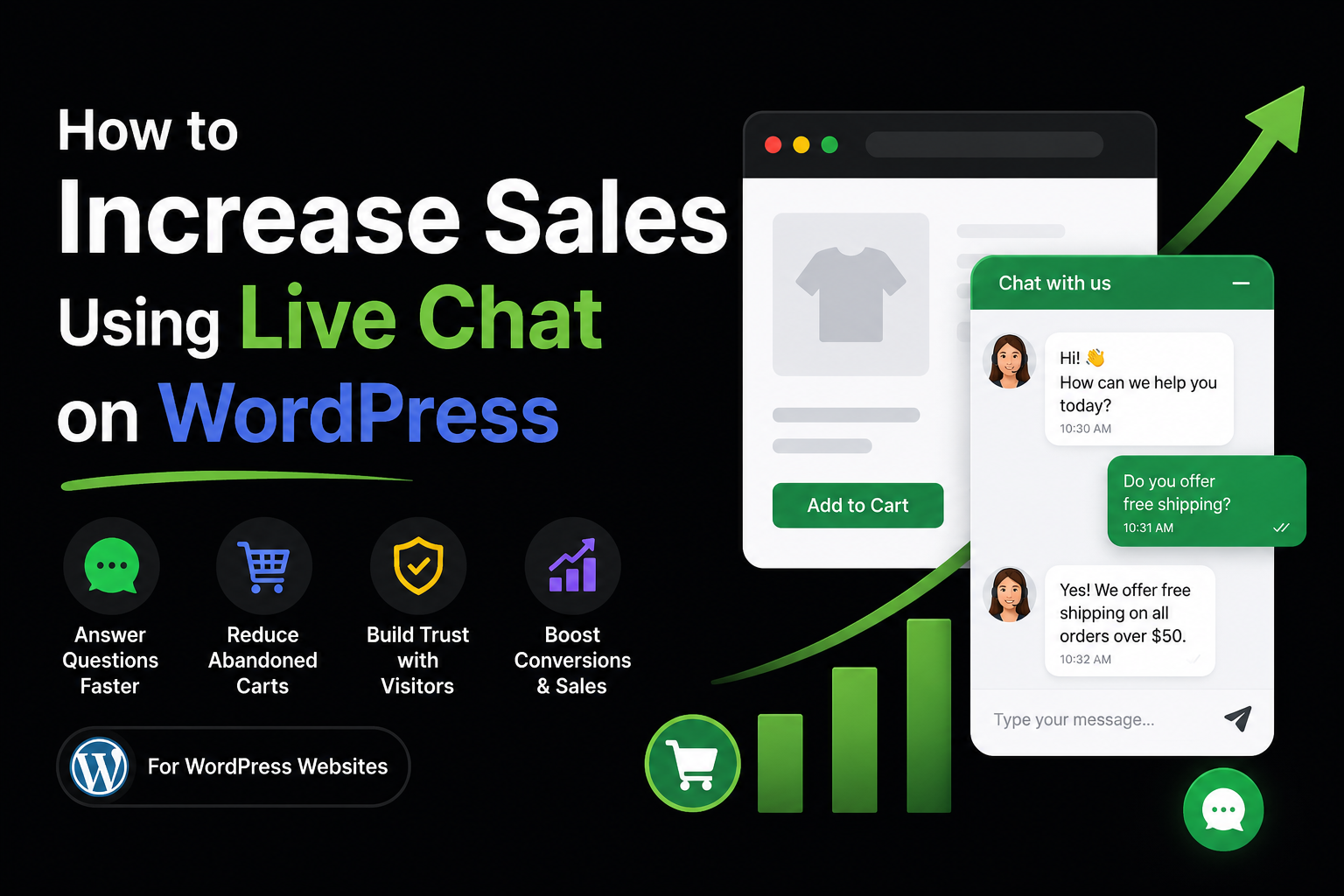
Why Live Chat Can Increase Your Sales
Many visitors leave a website because they have a question and cannot find an answer quickly.
A live chat widget lets visitors ask questions right away. When you answer fast, they are more likely to buy.
Live chat can help you:
- Answer questions instantly
- Build trust with visitors
- Reduce abandoned carts
- Help customers choose the right product
- Increase conversions and sales
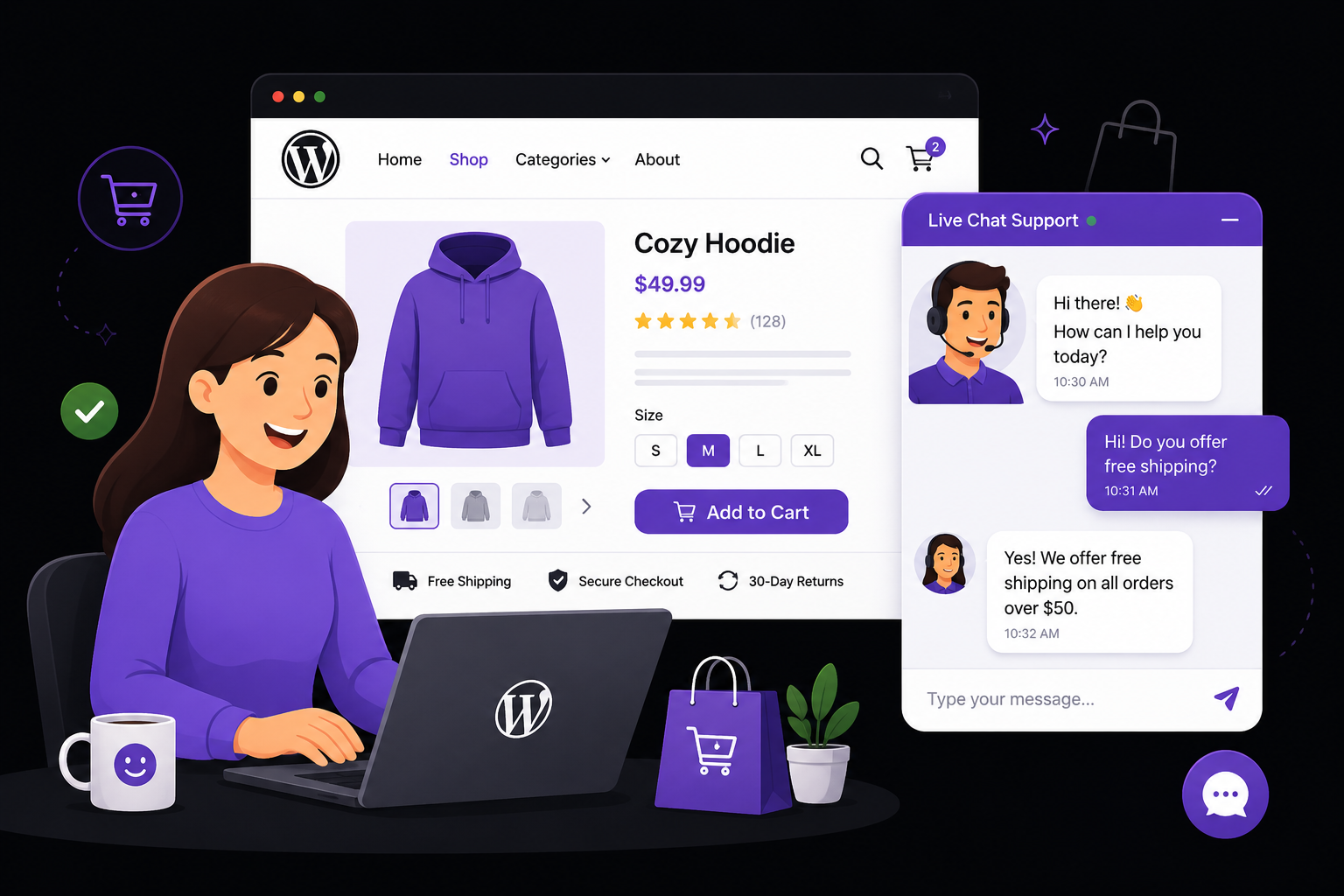
1. Answer Questions Before Visitors Leave
Imagine a customer wants to know:
- “Do you offer free shipping?”
- “Will this product fit?”
- “How long is delivery?”
If they do not get an answer, they may leave your site.
With a live chat plugin, you can answer in seconds and keep them on the page.
2. Use a Welcome Message
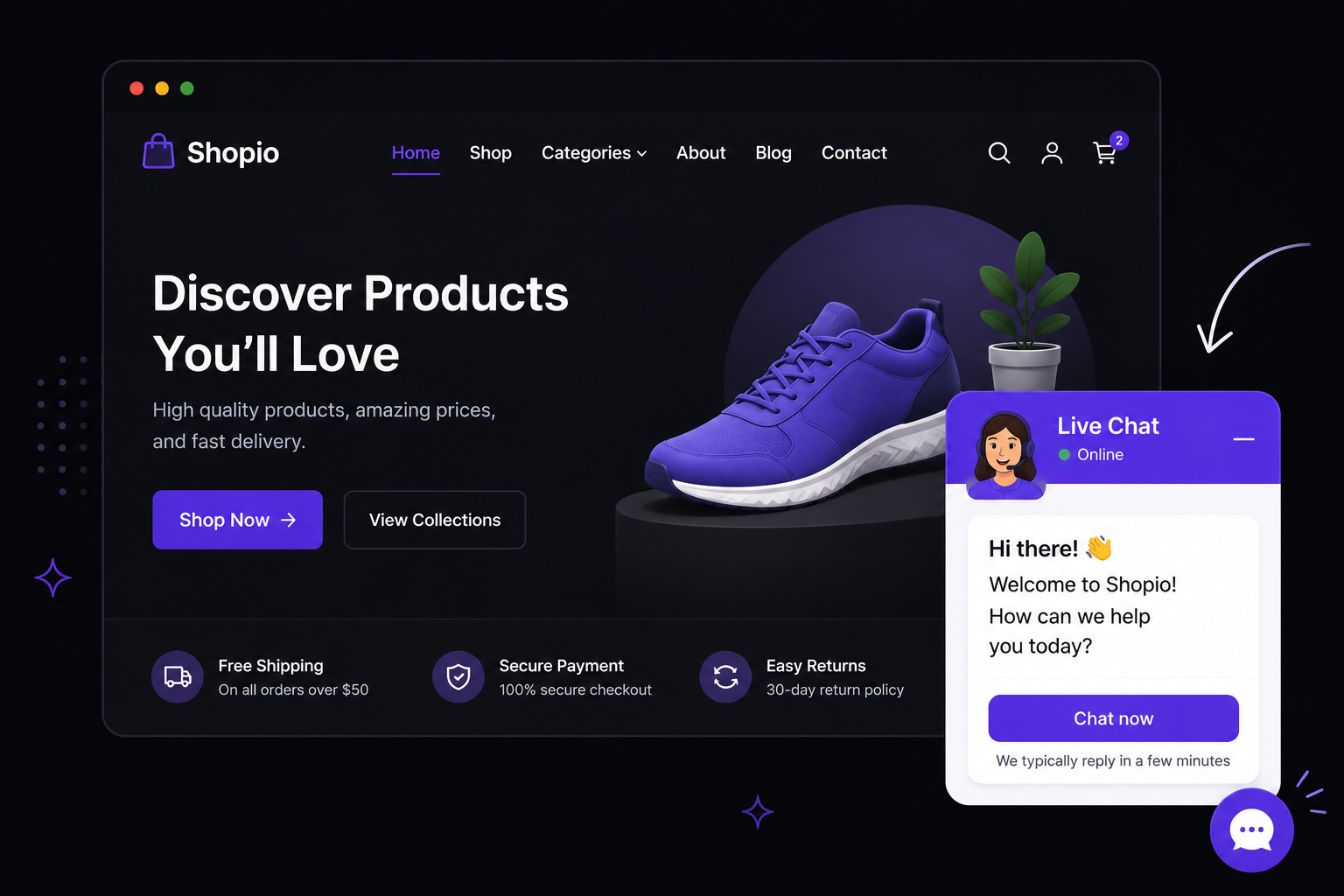
A friendly welcome message can start a conversation.
Example welcome message
Recommended
“Hi! Need help choosing the right product? We are here to help.”
This simple message can encourage visitors to ask questions instead of leaving.
3. Help Customers Choose Faster
Many buyers compare products.
For example:
“Should I buy the basic plan or the premium plan?”
A quick chat can help them decide faster. This is one of the easiest ways to increase ecommerce conversions with WordPress chat.
4. Be Available During Business Hours
You do not need to stay online all day.
Set your business hours and show an offline message when you are away.
Example offline message
Simple
“We are currently offline. Leave a message and we will reply soon.”
This keeps visitors informed and improves trust.
5. Follow Up Quickly
When a visitor sends a message, reply as soon as possible.
Fast replies can:
- Increase customer confidence
- Reduce hesitation
- Improve the chance of a sale
- Create a better shopping experience
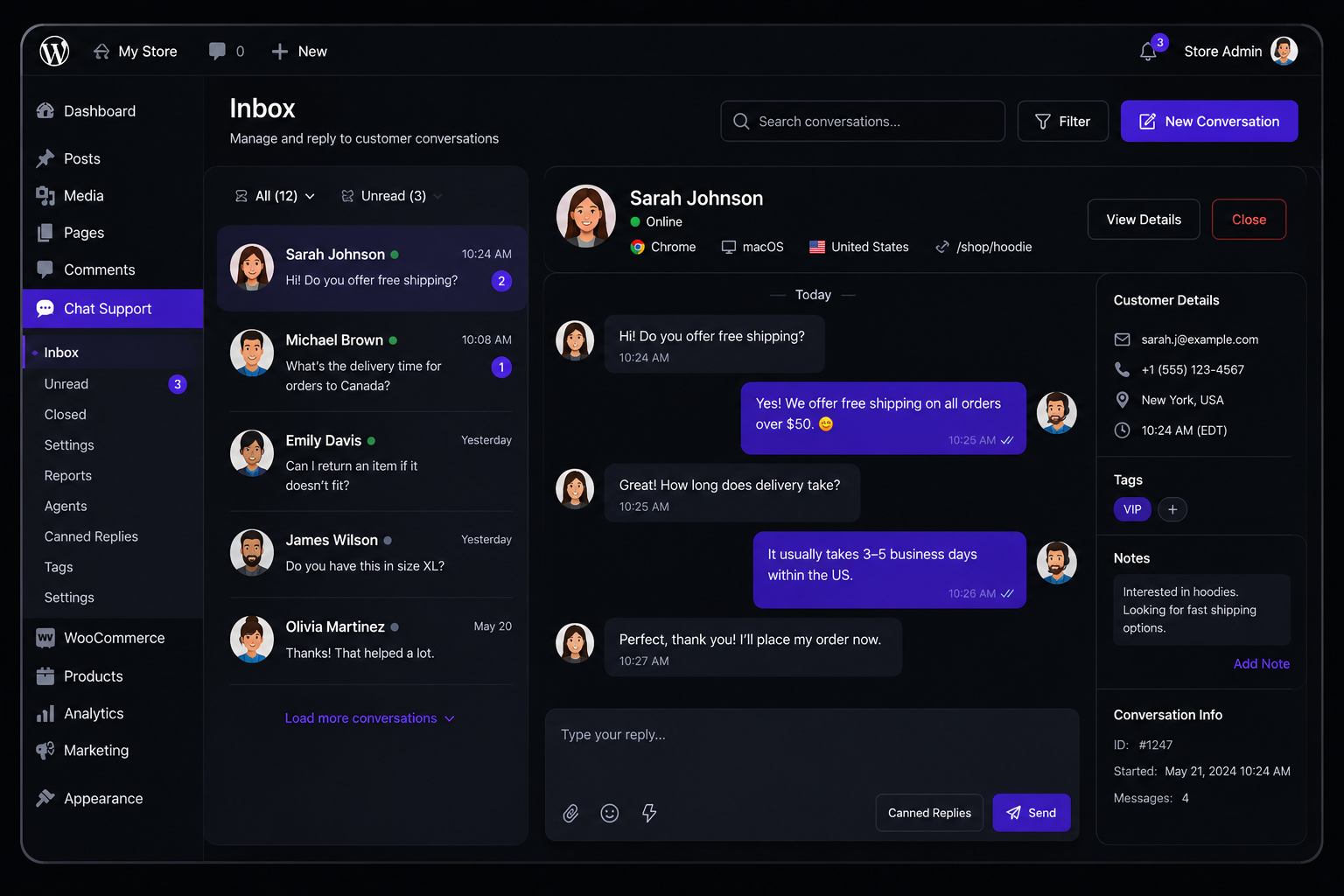
Best Live Chat Plugin for WordPress Sales
If you want a lightweight live chat plugin for WordPress, Easy Chat Support – Capripio is a great option.
What you get in the free version
- Free
- Live chat widget
- Unlimited visitors
- Unlimited conversations
- Unlimited messages
- Dashboard inbox
- Email notifications
- Welcome and offline messages
- Business hours settings
Get the free plugin
Want More Sales Features?
Easy Chat Support Pro – Capripio adds powerful tools for growing businesses:
Pro features
- Multiple support agents
- Handle more customers
- Conversation assignment
- Route chats to the right agent
- Canned replies
- Answer common questions faster
- File uploads
- Receive screenshots and documents
- Typing indicators
- More natural conversations
- Read receipts
- Know when messages are seen
- Visitor details
- See browser, device, and country
- CSV export
- Export conversations for analysis
$2.99 per site/month
$19.99 unlimited sites/month
Simple Tips to Get More Sales Today
- Place the chat widget in the bottom-right corner.
- Use a friendly welcome message.
- Reply within a few minutes.
- Answer shipping and pricing questions quickly.
- Help customers compare products.
- Use canned replies for common questions (Pro feature).
Final Thoughts
If you are wondering how to increase sales using live chat on WordPress, the answer is simple: make it easy for visitors to ask questions and get fast answers.
A live chat widget helps build trust, keeps visitors on your site, and turns more visitors into paying customers.
Start with the free version of Easy Chat Support – Capripio and upgrade to Pro when your business grows.